Free Dot Avatar Maker
Pick a form, a color, a finish and a style, and watch your cute 3D dot character come to life. Download it as a transparent PNG or a 3D page you can spin.
HOW IT WORKS
How to make a dot avatar
Four choices, one character. Every change renders live in 3D, so you can drag to see it from any side before you download.
01
Pick a form
11 classic dot shapes, from round and cloud to heart, pill and sprout, plus animals such as a bunny, cat or panda and a few fantasy friends. Choose boy or girl styling in the same step.
02
Choose a color
Start from a bright palette, or open the color picker for any hue, from soft pastels to ink black.
03
Pick a material
Short or long plush, wool felt, soft clay, glazed ceramic, jelly, glass or chrome, each rendered with real studio lighting.
04
Add a style and download
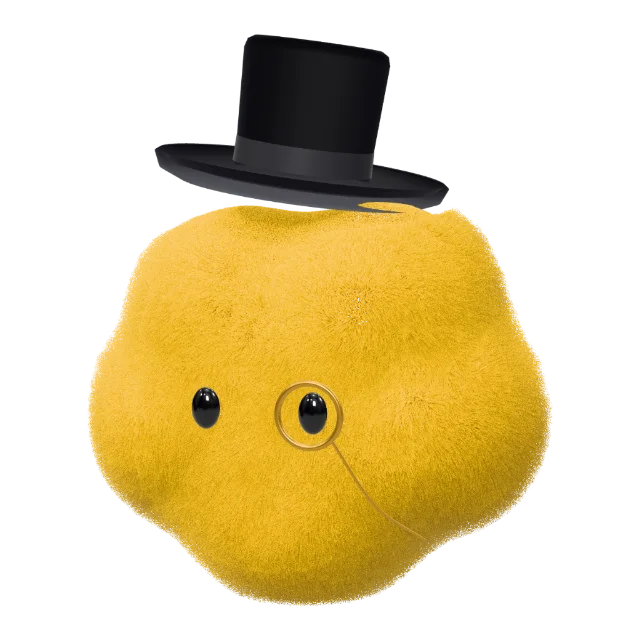
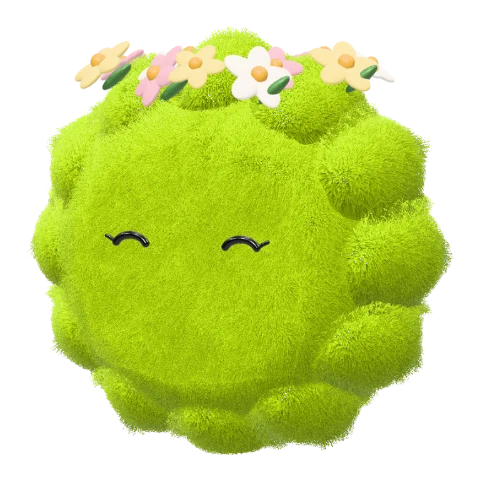
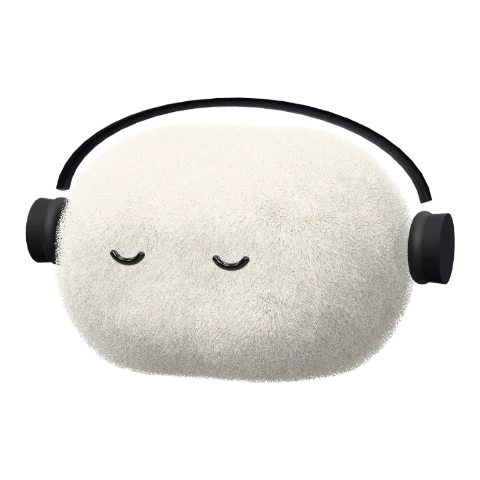
32 looks, including a top hat and monocle, a wizard hat, headphones and a flower crown. Save a transparent PNG or an interactive 3D HTML page.
FREE SKILL
Make dot avatars right from your AI
Want this studio inside your own AI? Get the free Dot Avatar Maker Skill. Describe a character and your agent opens the studio already set up for it; fine-tune it and download a PNG or a 3D page.


You
Make me a pink heart dot with a hair bow.Your AI
Opened Dot Avatar Maker with your character. Adjust anything, then download it.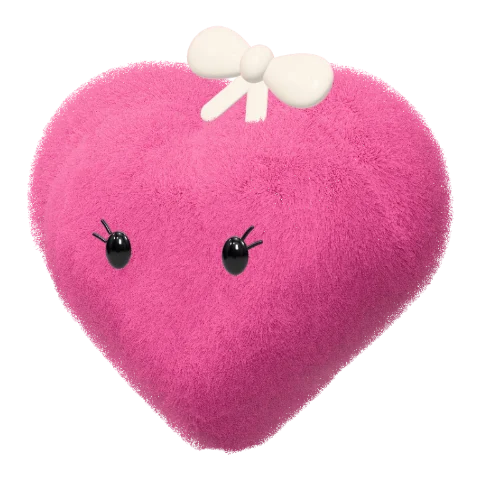
Dot Avatar Maker
Heart · Pink · Short plush · Hair bow
PNG · 3D HTML · Free · No credits
GALLERY
Dot avatars made with this maker
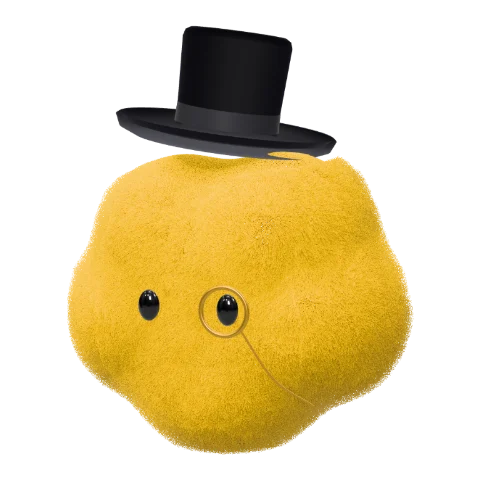
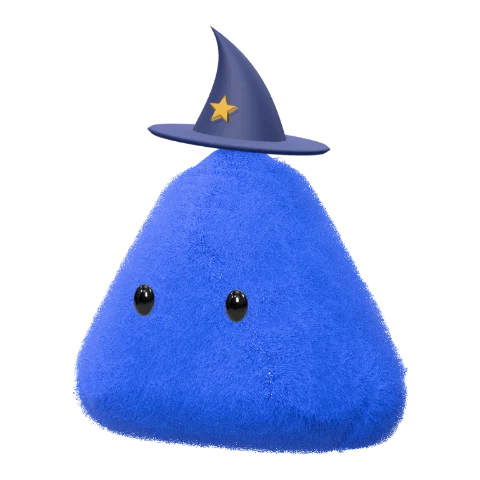
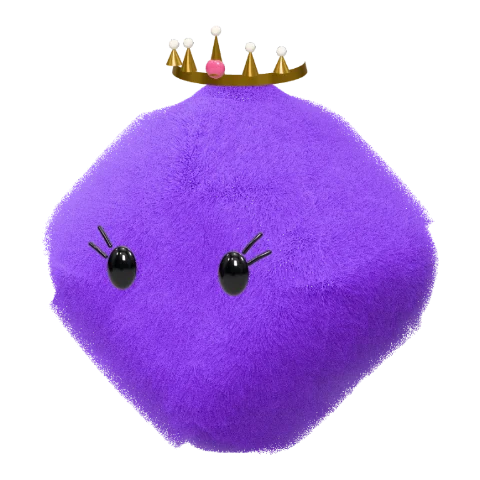
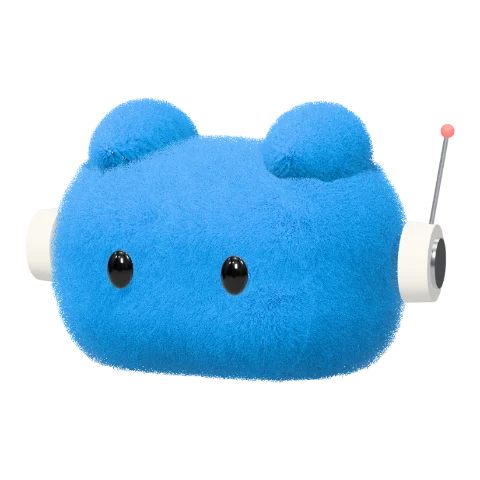
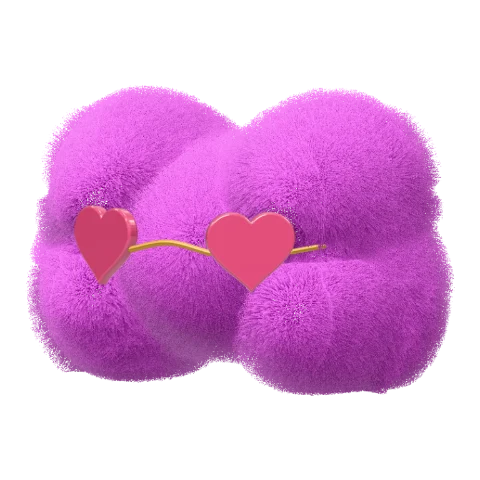
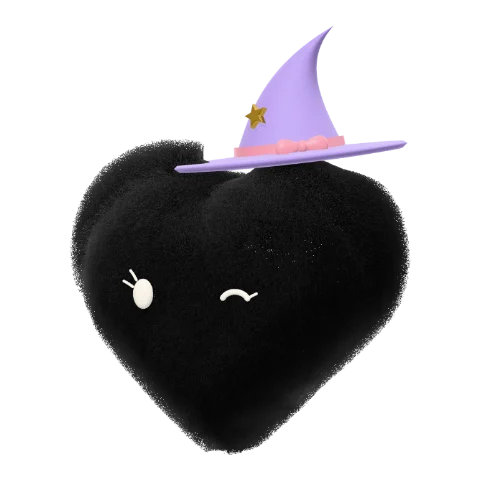
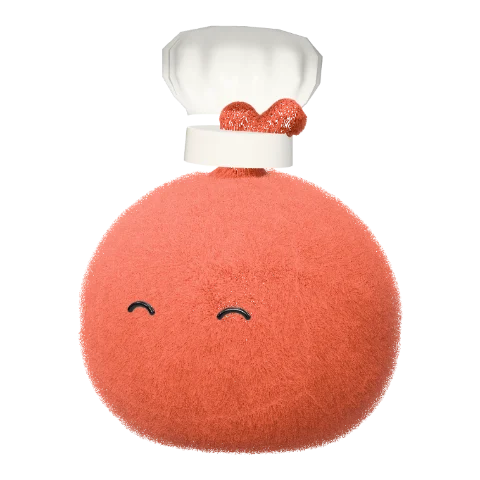
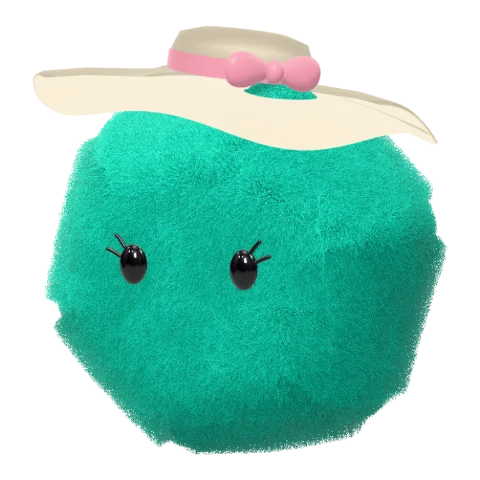
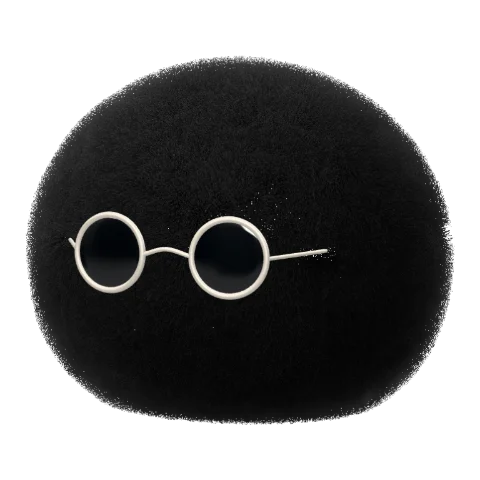
A few characters from the studio, all in short plush. Each one is a handful of clicks away.
MATERIALS
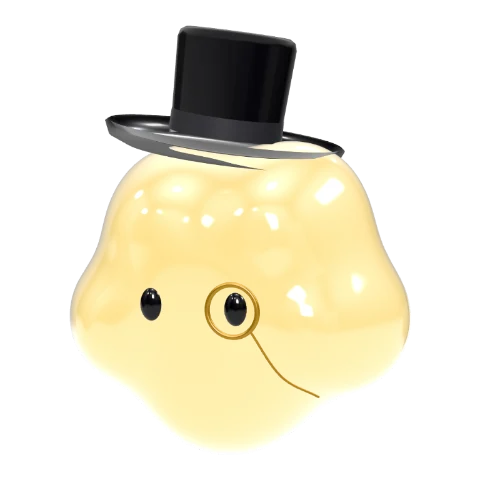
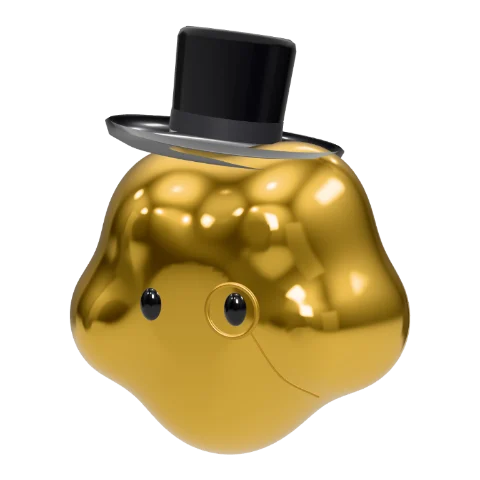
One dot, twelve finishes
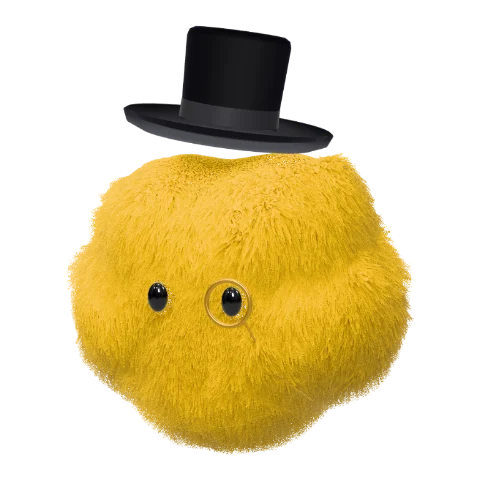
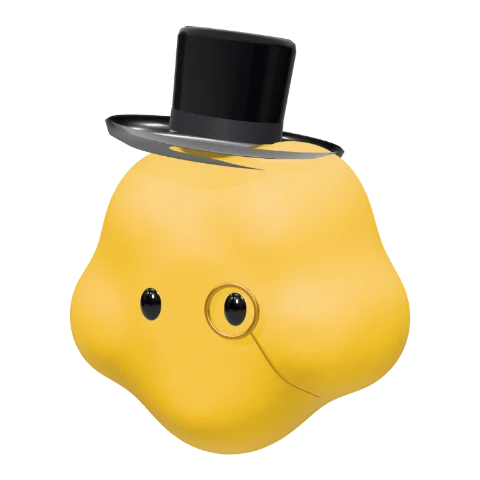
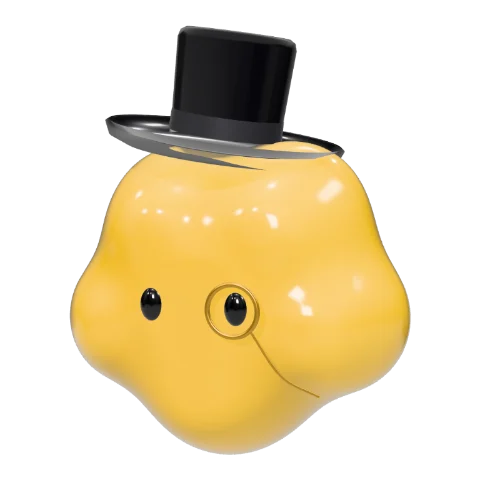
The same cloud gentleman in six of the twelve materials. Switch finishes at any time; your shape, color and style stay as they are.
WHY THIS MAKER
A dot character maker built in real 3D
Real-time 3D
Your character is sculpted and lit in 3D as you choose, not assembled from flat stickers. Drag to turn it around.
Transparent PNG
A 1024 × 1024 PNG with no background or floor shadow, cropped to your character and ready for any backdrop.
Interactive 3D HTML
One HTML file that opens your character full screen in 3D, ready to share or embed.
Boy and girl styles
Girls get delicate lashes and their own accessories, boys get top hats, crowns and more, and plenty of looks suit everyone.
Free, no account
No sign-up, no watermark and no credits. Open the page and start making.
Private by design
Everything renders on your device. Nothing you make is uploaded to our servers.
USE CASES
Where to use your dot avatar
Profile pictures
A friendly avatar for Discord, Slack, X, GitHub or your team chat.
AI agent and bot avatars
Give your assistant, chatbot or agent a face people remember.
Stickers and reactions
Make a set in different colors and styles for chats and posts.
Brand mascots
Match your brand color and finish to sketch a simple mascot.
Slides and docs
Transparent PNGs drop straight into decks, docs and landing pages.
DOTS-STYLE AVATARS
Love the Dots look? Make your own.
Cute dot characters are having a moment. OpenAI Dots lets people customize a small dot character: its shape, color, eyes, glasses and accessories. If you like that look, this maker lets you design your own 3D dot avatar and take it anywhere as an image or a 3D page.
Skillsly’s Dot Avatar Maker is an independent tool. It is not affiliated with, endorsed by or connected to OpenAI.
FAQ
Dot avatar maker FAQ
Is the dot avatar maker free?
Yes. It is free to use, with no sign-up, no watermark and no usage limit.
What can I download?
Two formats: a 1024 × 1024 transparent PNG without background or floor shadow, and a single HTML file that shows your character full screen in interactive 3D.
Can I use my dot avatar as a profile picture?
Yes. The PNG works as a profile picture, a sticker, a chatbot avatar or an image in your slides and posts.
Is this the official OpenAI Dots avatar editor?
No. It is an independent tool from Skillsly for making dot-style 3D characters, and it is not affiliated with OpenAI.
Does it work on my phone?
Yes. Drag with one finger to rotate your character. On phones the long-plush fur uses fewer strands so it stays smooth.
Are my characters uploaded anywhere?
No. The 3D rendering and both downloads happen in your browser.
Why does the HTML download need an internet connection?
The file stays small because it loads the open-source three.js 3D library from a public CDN when you open it. Everything else is inside the file.
Make more with AI agents
Skillsly collects ready-to-use Skills for AI agents: slide decks, launch videos, illustrations and more.
Explore Skills